
A few years ago, getting a website meant paying a developer or losing a whole weekend to confusing tools. Now you can get something decent online in an afternoon. Whether it’s a blog, a portfolio, or a little shop, the platform you pick matters. Squarespace puts templates, AI design help, hosting, and business tools all in one place. So is it actually good? Here’s my take on the features, the pricing, and whether it’s worth your money in 2026.
What Is Squarespace?
Squarespace is an all-in-one website platform. You build your site and host it in the same place, so there’s no hunting around for a separate hosting company. It even has AI tools that sketch out a layout and some starter text for you.
The people who get the most out of it are bloggers, freelancers, designers, photographers, and small business owners. If that sounds like you, take a look around the Squarespace official website and see how it feels.
Key Features
Drag-and-Drop Editor
You can move things around, change fonts and colors, and swap images without touching any code. If you can drag a block across a page, you can edit your site.
AI Builder
The Squarespace website builder can suggest a design and write rough content for you. I’d treat that as a first draft. Rewrite it a bit so the site sounds like a real person wrote it, because visitors can tell.
Templates for Everything
There are designs for portfolios, blogs, businesses, and online stores. All of them work well on phones, which matters since so many people browse that way.
Built-In SEO Tools
You can set page titles and descriptions and check your analytics to see how people find you. It’s not magic, but it covers the basics.
Templates and Customization
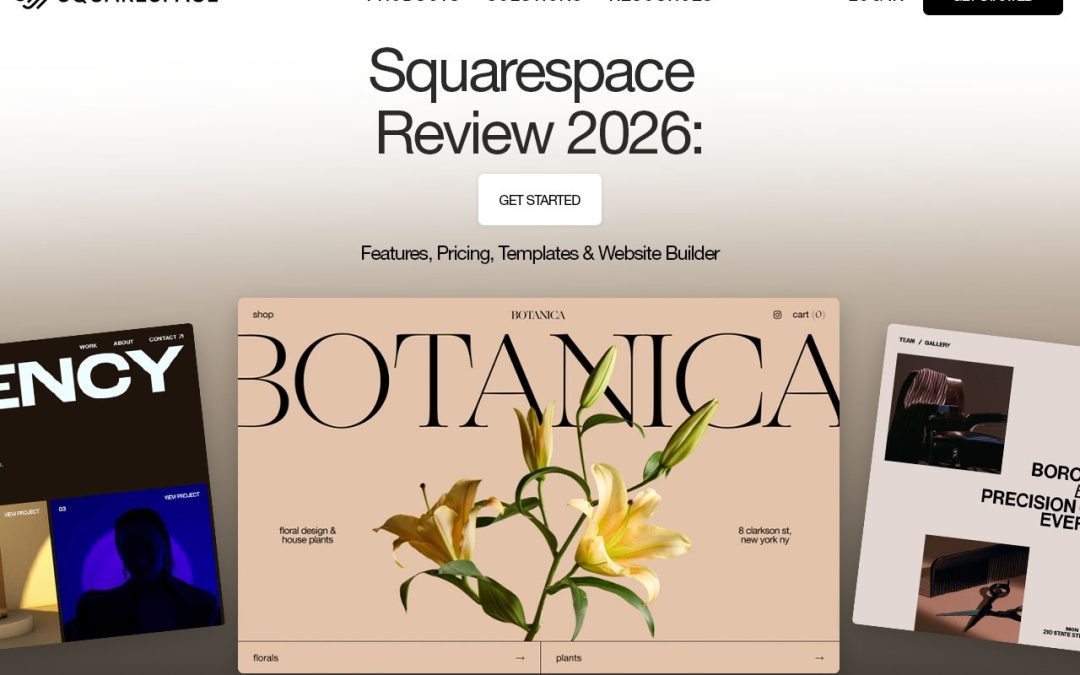
This is where Squarespace really earns its keep. The Squarespace templates look polished from the start, so you’re not staring at an ugly blank page. You can rearrange layouts, add images, videos, and forms, and tweak things until they feel like yours.
Because everything comes from the same template, your fonts and colors stay consistent from page to page. That makes a site look trustworthy, even if you’ve never designed anything in your life. Layouts also adjust to phones and tablets automatically, so there’s no need to build a second version.
What Can You Build?
Quite a lot, actually:
- Business sites: Professional pages for companies and service providers.
- Blogs: Publish articles, guides, and creative writing.
- Portfolios: Show off photography, design, art, or client work.
- Online stores: Sell physical or digital products.
- Membership and course sites: Offer exclusive content, subscriptions, or lessons.
Different Squarespace templates suit each of these, so start with the one closest to what you have in mind.
Pricing and Plans
There’s no forever-free plan, but you do get a 14-day free trial, which is plenty of time to build a draft and see if you like it. After that, you pick a subscription and pay monthly or yearly. Yearly is usually cheaper per month, and some annual plans include a free custom domain for the first year.
Features change from plan to plan. If you want a proper online store, you’ll probably need one of the higher tiers. Selling online can also mean transaction fees on some plans, on top of normal payment processing costs, so factor those in. Prices and offers change, so check the current Squarespace pricing plans before you commit.
Pros and Cons
Pros
- Professionally designed templates
- No coding needed
- Hosting and security built in
- SEO and marketing tools included
- Website and store managed in one place
Cons
- No permanent free plan
- Advanced customization can need some technical know-how
- Costs can creep up as your business needs grow
Is Squarespace Worth It in 2026?
For most people who want a good-looking site without the tech headaches, yes. It’s especially good for beginners, creatives, and small businesses. If you need heavy custom functionality or you’re chasing the absolute cheapest option, compare a couple of other platforms first.
My advice is to use the free trial, build a quick draft, and see if the editor clicks with you. If it does, you’ll know pretty fast. Want to give it a go? Explore Squarespace website creation.
FAQS
- What is Squarespace used for?
Squarespace is an all-in-one website-building platform used to create blogs, business websites, portfolios, online stores, and membership websites.
- Is Squarespace good for beginners?
Yes, Squarespace is beginner-friendly. Its drag-and-drop editor, ready-made templates, and built-in hosting make it easier to create a professional website without coding.
- How much does Squarespace cost in 2026?
Squarespace offers different subscription plans with monthly and annual billing options. Pricing depends on the selected plan and features. Check the official pricing page for current rates.
- Does Squarespace offer a free website builder?
Squarespace does not offer a permanent free plan, but it provides a 14-day free trial that lets users explore its website-building features before purchasing a subscription.
- Can I create an online store with Squarespace?
Yes, Squarespace supports e-commerce websites. You can showcase products, manage orders, accept payments through supported providers, and sell physical or digital products.
- Does Squarespace provide AI website-building tools?
Yes, Squarespace offers AI-powered tools that can help users generate website layouts and starter content, making the initial website creation process easier.