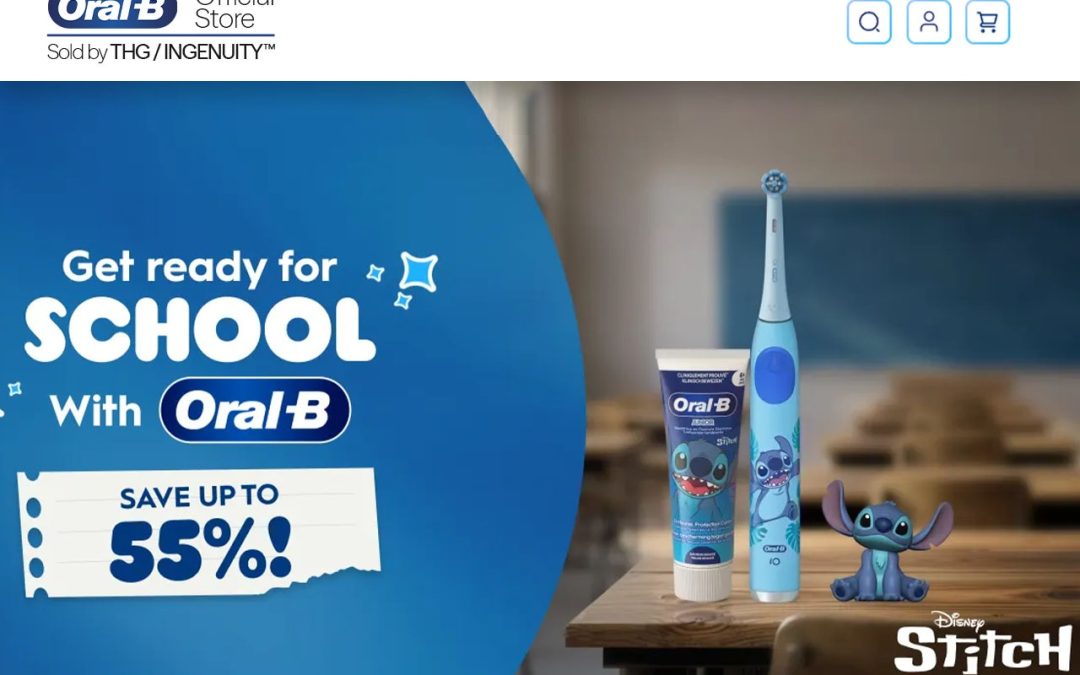
Brushing twice a day is one of the simplest things you can do for your teeth, but the tool you use can make a difference in how effectively you clean them. That’s where an electric toothbrush can be useful. If you’re considering making the switch, exploring options fromOral-B electric toothbrushes can help you understand the different features and styles available.
How an Electric Toothbrush Actually Works
An electric toothbrush uses a small motor to move the brush head through rotating, oscillating, or vibrating motions. These powered movements help remove plaque and make brushing more consistent, especially if you sometimes struggle with brushing technique.
Many modern models also offer different cleaning modes, including sensitive, whitening, and gum care. Depending on your needs, you can choose a basic model or explore more advanced options fromOral-B with features designed to support your daily brushing routine.
Key Electric Toothbrush Benefits
There are several reasons people choose an electric model over a traditional toothbrush:
Consistent motion — The brush head provides regular movement, so you don’t have to rely entirely on manual technique.
Pressure control — Many models include a pressure sensor that alerts you when you’re brushing too hard.
Built-in timers — A two-minute timer, often divided into 30-second intervals, can help you spend enough time cleaning each area.
Different cleaning modes — Sensitive, whitening, and gum-care settings can make the brush more adaptable.
Easy daily use — The powered movement does much of the brushing work for you.
Together, these electric toothbrush benefits can make your routine easier to follow and more consistent. If you’re comparing different options,Oral-B electric toothbrushes are worth considering alongside your personal brushing needs.
Electric vs Manual Toothbrush
The electric vs manual toothbrush debate usually comes down to personal preference, brushing habits, and the features you find useful.
Technique: An electric toothbrush can be more forgiving if your manual brushing technique isn’t perfect.
Convenience: Manual toothbrushes are inexpensive and don’t need charging, while rechargeable models simply need to be powered up regularly.
Features: Electric models commonly offer timers, pressure sensors, and multiple brushing modes.
Portability: Manual brushes are lightweight and easy to carry, while some electric models come with travel cases.
Preference: Some people prefer the simplicity and lighter feel of a manual toothbrush.
If you’re leaning toward an electric model, checkingOral-B’s range of electric toothbrushes can give you an idea of the different designs, brush heads, and features available.
How to Choose the Right Electric Toothbrush
Before buying an electric toothbrush, look beyond the price tag and consider how it will fit into your everyday routine.
Brushing Modes
A basic model may have just one cleaning mode, while more advanced toothbrushes can offer sensitive, whitening, gum-care, or deep-cleaning settings. Choose the options you’ll actually use rather than paying extra for features you don’t need.
Battery Life
Battery life can vary significantly between models. If you travel frequently, a longer-lasting battery can be particularly convenient because you won’t have to charge the toothbrush as often.
Replacement Brush Heads
Don’t forget about replacement heads. You’ll need to change them regularly, so check their price and availability before buying a toothbrush.Oral-B brush heads and toothbrush options can be compared based on the type of cleaning experience you’re looking for.
Smart Features
Bluetooth connectivity, smartphone apps, brushing feedback, and habit tracking can be useful if you like technology and want more guidance. However, these features aren’t essential for everyone.
Budget
Electric toothbrushes are available at different price points. A higher price doesn’t automatically mean a better fit. Focus on useful features, replacement-head costs, battery life, and overall comfort.
Tips for Better Daily Oral Care
A good toothbrush is only one part of a healthy oral care routine. You also need to build simple habits that support your teeth and gums.
Brush twice daily: Aim to brush in the morning and before bed for around two minutes.
Replace brush heads: Change the head roughly every three months or earlier if the bristles become worn.
Clean between your teeth: Floss or use interdental brushes to reach areas a toothbrush cannot.
Don’t brush too aggressively: Let the toothbrush do the work instead of applying excessive pressure.
Visit your dentist: Regular checkups can help identify potential problems early.
For people looking to make their daily routine more consistent, choosing a suitableOral-B electric toothbrush can be one practical step toward better brushing habits.
FAQs
Is an electric toothbrush better than a manual toothbrush? An electric toothbrush can make brushing more consistent and may be easier to use for people who struggle with manual brushing technique.
How often should I replace an electric toothbrush head? Most brush heads should be replaced about every three months or sooner if the bristles become worn or frayed.
Are electric toothbrushes good for sensitive teeth? Yes. Many electric toothbrushes offer sensitive cleaning modes and pressure sensors that can help make brushing gentler.
How long should I brush with an electric toothbrush? Dentists generally recommend brushing for about two minutes, twice a day.
What features should I look for in an electric toothbrush? Useful features include a two-minute timer, pressure sensor, suitable cleaning modes, good battery life, and affordable replacement brush heads.
Final words
The best electric toothbrush is simply the one that fits your habits, your budget, and your mouth’s specific needs. Whether you’re drawn to a straightforward rechargeable toothbrush or a model packed with smart features, the goal is the same: a routine you’ll actually stick with, twice a day, every day.
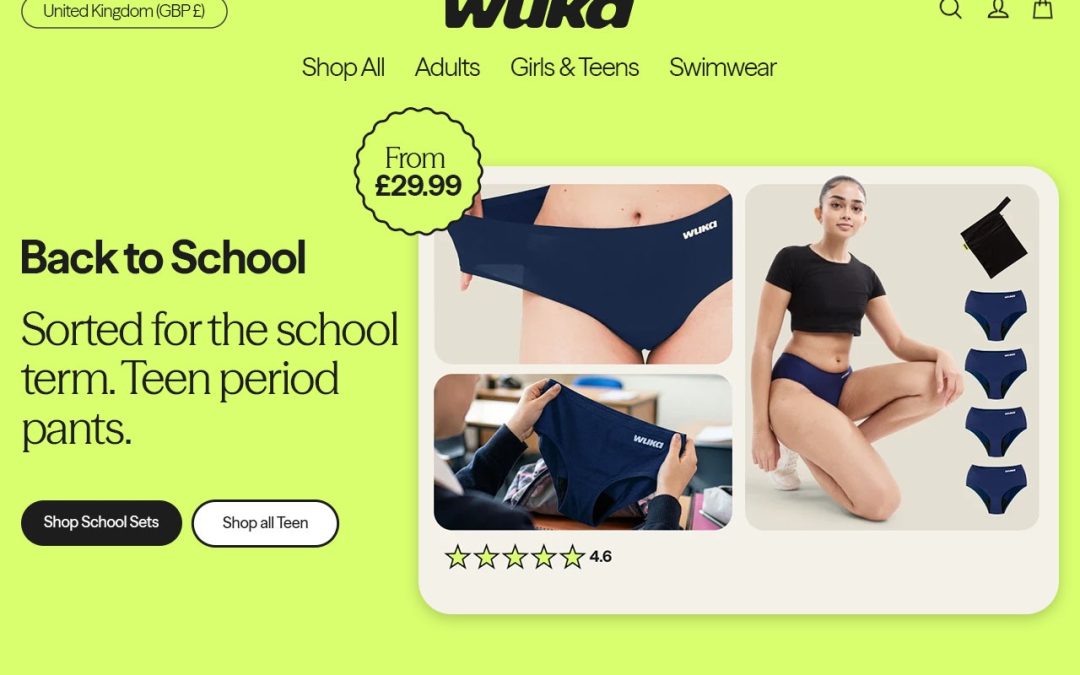
More people are switching to reusable period underwear instead of pads and tampons, and it’s easy to see why. Different styles and absorbency levels suit different flows, so comfort, fit, absorbency, and lifestyle all matter when you’re choosing what works for you. Among period underwear UK shoppers, one option that keeps coming up isWUKA, built around everyday needs rather than one-size-fits-all thinking.
What It Actually Is
It looks like ordinary underwear but works differently underneath. Built-in absorbent and leak-resistant layers soak up flow and keep it from reaching your clothes, so it can be worn on its own or alongside your usual routine. For most people, the appeal comes down to convenience, no packaging to carry, nothing to remember, just protection that’s ready whenever you need it.
Choose Period Pants Based on Your Flow
Absorbency is one of the biggest factors to get right, and it really comes down to your flow on any given day:
Light flow — something built for spotting or the lighter end of a cycle.
Medium flow — a touch more coverage for regular days.
Heavy flow — this is where period pants for heavy flow really earn their keep, offering the extra absorbency you can’t compromise on.
Overnight — for something reliable while you sleep, look for leak-proof period underwear with extra length and coverage built in.
Absorbency claims vary between brands, so it’s worth checking each product before buying. Browsing the range atWUKA makes it easier to compare options by absorbency level.
Find the Right Style and Fit
Getting the size and fit right makes a real difference to comfort and confidence. Popular styles include high-waisted pants, briefs, bikini styles, thongs, and shorts, and among period pants UK shoppers, preference really comes down to what feels right on the body and what you’re planning to wear over the top.
Choosing Based on Your Lifestyle
Work and university: comfortable options built for long days.
Exercise: flexible, secure designs that stay put during movement.
Sleeping: higher-absorbency options made for overnight use.
Travel: reusable period pants are genuinely practical when you don’t want to pack extra supplies.
Swimming: period swimwear covers you for pool days and holidays.
Teen periods: there are options designed specifically for younger users just starting.
How to Care for Them
Always check the manufacturer’s washing instructions first, since care can vary between brands. A quick rinse in cold water after wearing helps before a full wash. Air drying is usually best, since heat from tumble dryers can wear down absorbent materials over time, and fabric softener is worth avoiding too. The care guidance onWUKA is a good place to double-check brand-specific advice. A little care keeps reusable period underwear comfortable and effective for much longer.
Benefits of Reusable Period Pants
Genuine convenience: once you’re used to them, there’s nothing extra to carry or remember.
Less waste: fewer disposable products piling up in bathroom bins.
Comfort and confidence: knowing you’re properly protected takes the worry out of the day.
A step toward sustainable period products: a small but meaningful shift away from disposables.
Lasting protection: leak-proof period underwear only stays leak-proof with the right care, so pairing good habits with good gear makes the biggest difference.
FAQs
How do I choose the right period underwear for my flow?
Choose period underwear based on your usual flow, with lighter absorbency for spotting and higher-absorbency styles for medium or heavy days.
What are the best period pants for heavy flow?
Period pants for heavy flow should offer higher absorbency, secure coverage, and leak-resistant protection. Check the manufacturer’s absorbency guidance before buying.
Can period underwear be worn overnight?
Yes. Overnight period underwear is designed with additional coverage and absorbency to provide protection while you sleep.
Are reusable period pants good for travel?
Yes. Reusable period pants can be convenient for travel because they reduce the need to carry multiple disposable products.
How should I wash reusable period underwear?
Follow the manufacturer’s care instructions. Generally, rinsing in cold water, washing as directed, and air drying can help maintain the fabric and absorbent layers.
Final words
Choosing the right period underwear comes down to flow, absorbency, fit, comfort, and lifestyle. It’s worth trying a few styles, whether that’s period pants UK basics or dedicated period pants for heavy flow, to see what actually works day to day. Many period underwear UK shoppers find it takes a bit of trial and error before landing on a favourite. For anyone after sustainable period products or a reliable everyday option,WUKA is worth exploring.
If you’ve ever stood in a store trying to figure out what to buy someone, you already know why Disney gifts are such an easy fallback. Almost everyone has a character they love, so you’re not starting from scratch. Maybe you’re buying for a toddler who just discovered their first favorite film, or an adult cousin who’s been collecting since they were a kid themselves. Either way, once you know which character they’re into, half the work is done for you. The Disney Store has such a wide selection that it actually helps to go in with a plan.
Why They Make Memorable Presents
Part of what makes Disney gifts land so well is that there’s zero guesswork about whether someone will “get it.” They already know and love the characters, so you’re not gambling on taste. There’s also a genuine range here: from cheap, everyday items to bigger, special-occasion pieces, so it doesn’t have to blow a budget. And it works whether the person grew up on the classics, is into whatever’s newest right now, or just loves the theme parks.
Popular Types of Gifts to Consider
Disney gifts show up in more places than people expect:
Toys and plush characters are still some of the most popular Disney toys out there, especially for younger kids who like having something to hold onto.
Clothing and accessories, like t-shirts, backpacks, and jewelry with favorite Disney characters on them, work for kids and grown-ups alike.
Home and lifestyle items– mugs, blankets, that sort of thing- bring a little bit of fun into daily routines without being over the top.
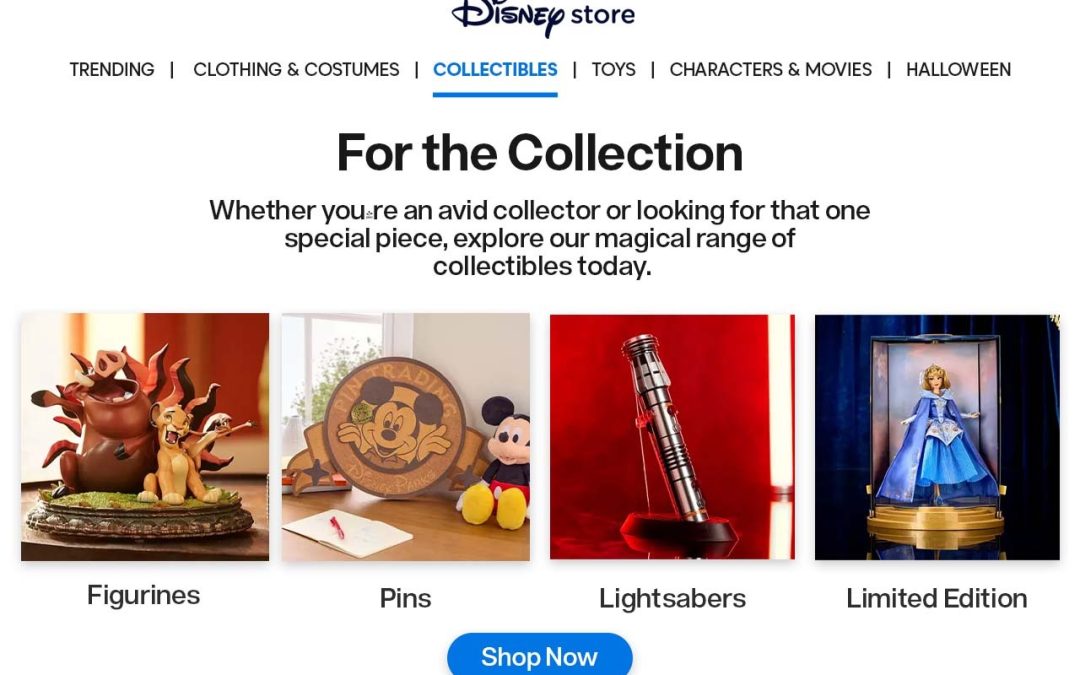
Disney collectibles, think limited figures, pins, or art prints, are the go-to for the serious fans who want something to actually display.
TheDisney Store has all of these in one spot, which makes browsing a lot less overwhelming.
Choosing the Right Gift for Different Ages
Age matters more than people realize when picking Disney gifts. Here’s roughly how it breaks down:
Toddlers and young kids do best with Disney toys they can actually play with, not just look at.
School-age kids tend to love Disney gifts for kids that help them express their personality, whether that’s a themed backpack, stationery, or a costume tied to their favorite character.
Teens usually want something a bit more grown-up, so clothing, accessories, and collectibles tend to land better than toys.
Adult fans often appreciate Disney collectibles or nostalgic home decor that ties back to something they loved as a kid.
Matching the gift to the age group takes a lot of the guesswork out.
Tips for Choosing the Right Gift
A bit of planning saves a lot of second-guessing:
Start with their favorite character. Knowing which Disney characters someone actually likes narrows things down fast and makes the gift feel personal.
Double-check age suitability, especially for toys with small pieces or clothing sizes.
Decide if you want practical or collectible. A young kid will get more use out of something they can wear or play with, while a longtime fan might prefer something meant to sit on a shelf.
Scrolling through theDisney Store makes it easy to compare everything side by side.
Where to Shop with Confidence
If you want something you know is the real deal, theDisney Store carries officially licensed pieces across every category above, plus newer releases and exclusives that can be tough to find anywhere else.
FAQs
How do I choose the best Disney gifts for kids?
Choose a gift based on the child’s favorite character, age, interests, and whether they prefer toys, clothing, accessories, or collectibles.
What are popular Disney gifts for kids? Popular options include Disney toys, plush characters, backpacks, clothing, stationery, costumes, and character-themed accessories.
Are Disney gifts suitable for adults? Yes. Adult fans often enjoy Disney collectibles, home décor, clothing, accessories, and nostalgic items featuring their favorite characters.
Where can I buy official Disney gifts? The Disney Store offers a wide range of officially licensed Disney gifts, including toys, clothing, collectibles, and home products.
What should I consider before buying Disney toys? Check the recommended age range, toy size, small parts, and whether the design matches the child’s interests and favorite Disney character.
Final words
At the end of the day, choosing great Disney gifts comes down to two things: knowing what character they love, and matching the gift to their age. Whether you’re shopping for one of the kids or a lifelong fan, theDisney Store has enough variety to help you land on something genuinely thoughtful.
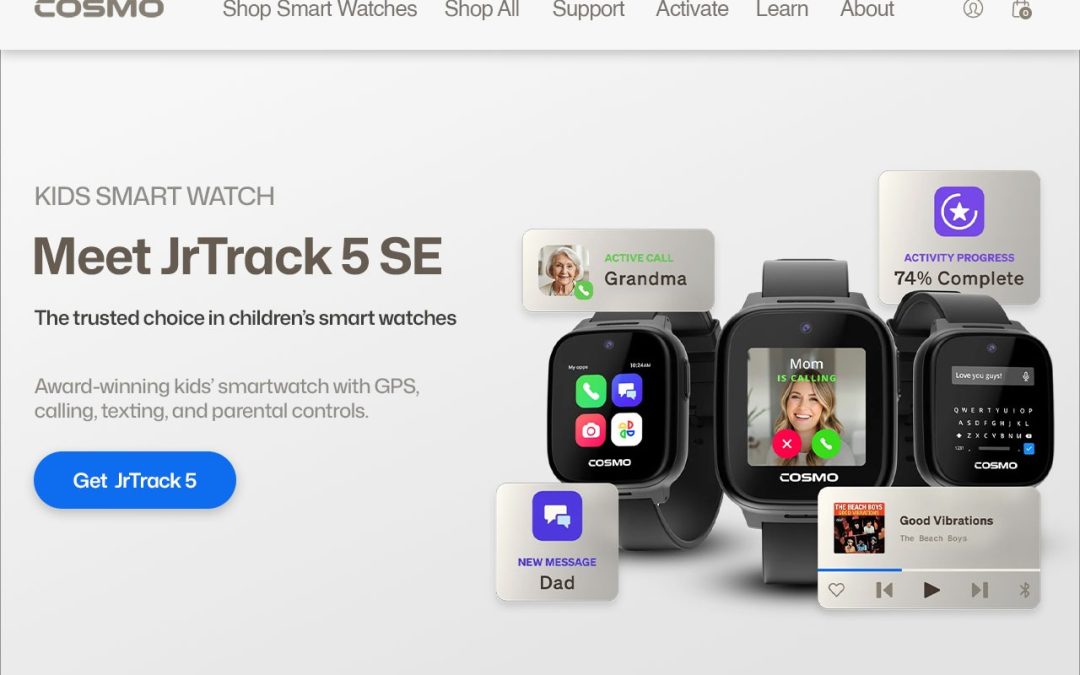
More families are searching for a smart watch for kids that offers real safety without the risks of a full smartphone. A well-built device can bridge that gap, giving children an easy way to call, text, and check in while parents stay reassured about where they are.Cosmo is one brand built around this exact balance, focused on everyday family life rather than entertainment.
Why Choose a Smart Watch for Kids?
Kids get a taste of independence while a parent stays just a tap away. Unlike a smartphone loaded with apps, a smartwatch for children can be set up with only the essentials: calling, messaging, and location sharing. That focused design keeps kids connected without constant notifications and gives parents peace of mind without handing over an unrestricted device. If you’re comparing the best smartwatch for kids on the market, this balance of simplicity and safety is the main thing worth prioritizing.
Key Features to Look for in a Kids Smart Watch
GPS Location Tracking
One of the most useful parts of any kids’ GPS tracker is real-time location tracking. A dependable GPS watch for kids lets parents set safe zones around school, home, or a friend’s house, and sends an alert the moment a child leaves that area. Location history also means parents can check in without a string of questions. Brands such asCosmo build these tools directly into their watches, so tracking feels supportive rather than invasive.
Calling and Messaging
Communication is often the main reason parents choose a smartwatch for kids in the first place. Look for two-way calling, texting, and photo or voice messages limited to contacts a parent has approved — a key reason many parents rate it among the best smartwatch for kids options available today.
Safety and SOS Features
A good kids safety watch should include a one-touch SOS button that connects a child to a parent or emergency contact instantly. This single feature can make a smartwatch for children worth the investment, since it gives kids a fast, simple way to ask for help if they feel lost, unwell, or unsure what to do.
School and Focus Modes
Distractions during class time are a real concern for families. Many kids’ smartwatch models now include a Focus or School mode that quietly limits games and messaging during school hours while keeping core safety features running. This way, a smartwatch for kids supports learning instead of competing with it, an approachCosmo builds directly into its School mode.
How This Technology Encourages Independence
A thoughtfully designed kids GPS tracker can help children ease into small moments of independence:
Location check-ins without hovering — a reliable GPS watch for kids lets parents stay informed without constant check-in calls.
Small solo moments, safely — kids can walk to a friend’s house or head to an activity while parents track progress in the background.
Healthy habits on the side — many devices add step tracking as a gentle nudge toward activity goals.
Rather than functioning like a mini smartphone, it’s designed from the ground up as a genuine kids’ safety watch, giving parents the tools they actually need.
What Parents Should Consider Before Buying
Age and readiness — how much independence is your child ready for right now?
Communication needs — confirm the calling and messaging setup fits your family.
Battery life — make sure it realistically lasts a full school day.
Controls and restrictions — parental controls, safe zone alerts, and school restrictions, like those built intoCosmo’s setup, matter more than flashy extras.
FAQs
What is the best smartwatch for kids?
The best smartwatch for kids should offer GPS tracking, calling, SOS alerts, parental controls, and school-friendly features.
Is a smartwatch for kids safer than a smartphone?
For many families, yes. A kids’ smartwatch can provide essential communication and location features without giving children unrestricted access to apps and social media.
Do kids’ smartwatches have GPS tracking?
Many kids’ smartwatches include GPS tracking, allowing parents to check a child’s location and set safe zones.
Can kids call their parents using a smartwatch?
Yes. Many models support two-way calling and messaging with parent-approved contacts.
What safety features should a kids smartwatch have?
Look for GPS tracking, SOS alerts, safe-zone notifications, approved contacts, parental controls, and school or focus modes.
Final words
The right smartwatch for kids can strike a genuine balance between independence, communication, and safety. When comparing models, look closely at GPS accuracy, approved contacts, SOS features, and school-focused modes. For families ready to make that choice, Cosmo offers a connected, safety-first option built specifically with kids and parents in mind.
The small personal touches are usually what people remember most about a party. Anyone can hang up balloons, but a decoration tied to the actual person or moment sticks with people longer. That’s part of why custom cardboard cutouts have become such a popular pick for events across the US and Canada; they’re simple, a bit fun, and they instantly make a room feel like it belongs to whoever’s being celebrated. If you want a place to start,Cardboard Cutout Standees ships to customers in both countries and has a good range to browse.
What Are Custom Cardboard Cutouts?
Put simply, custom cardboard cutouts are life-size cardboard cutouts made from a photo you send in: a guest of honor, a couple, a mascot- whatever fits the day. They’re printed full-scale and mounted on sturdy board, so they stand on their own and hold up through a night of photos and foot traffic.
There’s plenty of room to play with the design too. You can go full-body, a simple headshot on a stick, or turn a group shot into custom standees for a whole squad. Custom standees like these work just as well for one guest of honor as they do for an entire bridal party. Either way, the point stays the same: something personal that a generic banner just can’t match.
Creative Uses for Cardboard Standees
Cardboard standees show up in more places than you’d guess:
Birthday parties — a cutout of the birthday person makes a great entrance piece or photo spot.
Weddings — a cutout of the couple, or even a life-size cardboard cutout version of a pet who couldn’t make it.
Corporate events — a mascot or executive cutout adds some personality to an otherwise formal room.Cardboard Cutout Standees can help you put together something that still feels on-brand.
Photo booths — pair a cutout with a backdrop, and guests have a built-in reason to stop for a picture.
Promotional events — brand mascots or spokesperson cutouts pull people in at trade shows and store openings.
How to Design a Personalized Cardboard Cutout
A few things separate a cutout that looks great from one that falls flat:
Choose the right image. Pick a photo with good lighting and a clear subject — busy backgrounds make the cutout harder to shape.
Think about size and placement. A life-size cutout needs room to stand and be seen, so measure your space first.
Pick a design that fits the occasion. A playful pose suits a birthday; something more polished suits a corporate event.
Make sure the image is high quality. Low-resolution photos turn blurry once they’re blown up to full size, so start with the sharpest photo you have.Cardboard Cutout Standees can walk you through what resolution actually works.
Benefits of Custom Event Decorations
Good event decorations do more than fill space — they give guests something to actually notice:
Personalization — nothing says “this event is about you” like a cutout of your own face. A look throughCardboard Cutout Standees shows just how personal these can get.
Photo opportunities — cutouts practically beg to be photographed with, so you end up with more memories from the night.
Reusability — depending on the design, a cutout can come back for future personalized party decorations instead of getting tossed after one event. Some families keep a favorite cutout around for repeat personalized party decorations year after year.
Easy visual impact — one well-placed cutout does more for a room than a dozen smaller decorations put together.
FAQs
What are custom cardboard cutouts used for? They can be used for birthdays, weddings, corporate events, photo booths, and promotional events.
Can I personalize a cardboard cutout? Yes, you can create a cutout using a personal photo, mascot, logo, or other custom design.
Are cardboard cutouts good for photo booths? Yes, they create fun photo opportunities and give guests something memorable to pose with.
What type of photo is best for a cardboard cutout? Use a clear, high-resolution photo with good lighting and a visible subject for the best result.
Can custom cardboard cutouts be reused? Yes, sturdy cutouts can often be stored and reused for future parties or events.
Final words
At the end of the day, custom cardboard cutouts bring a bit of personality and fun to any event without much extra effort. Whether it’s a milestone birthday, a wedding, or a company launch, a well-made cutout gives guests something to remember and something to pose with. If you’re planning your next event in the US or Canada,Cardboard Cutout Standees is worth checking out for custom cardboard cutouts that actually fit the moment.